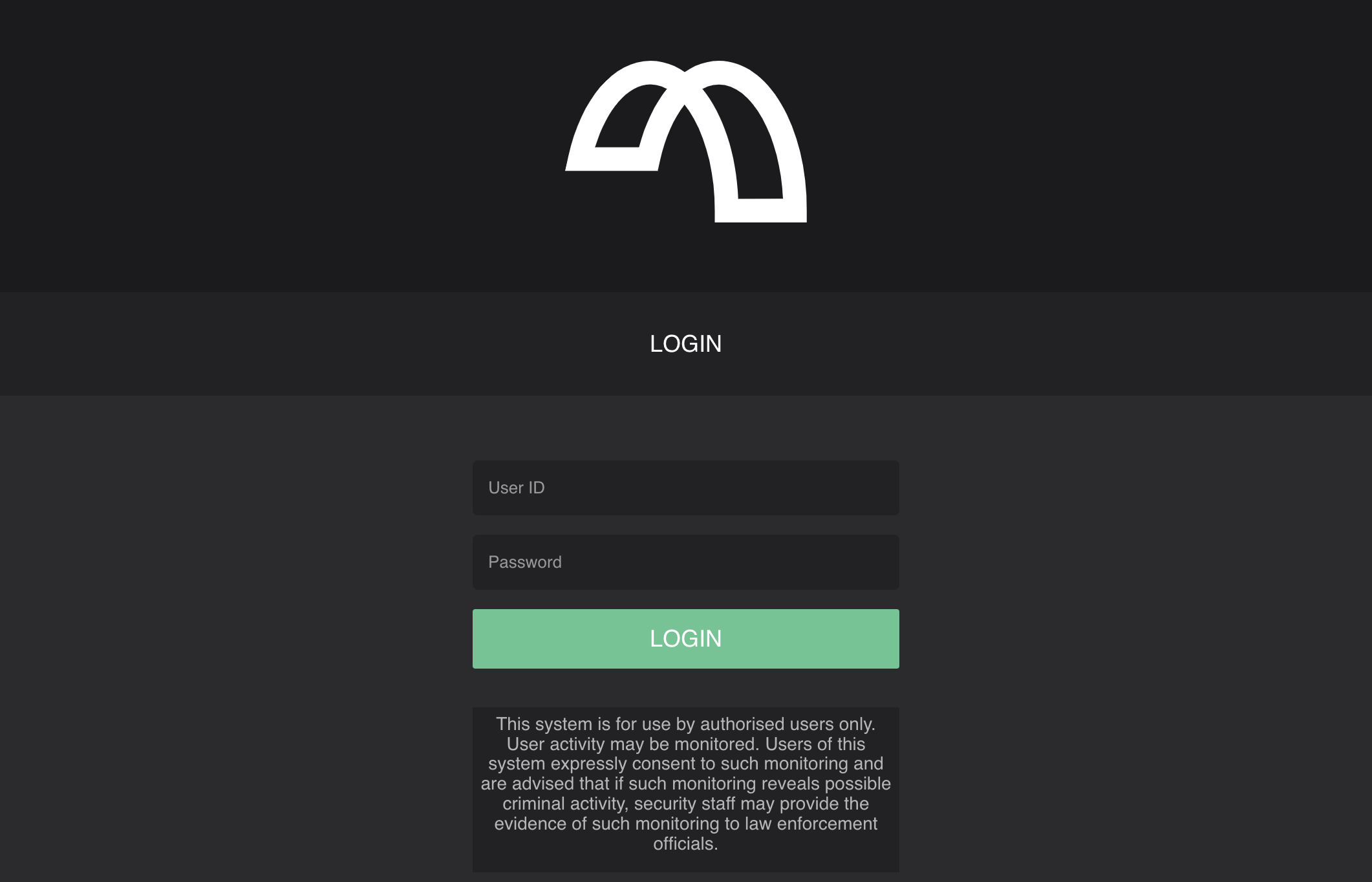
MettleCI Workbench Initial Login
Configure your MettleCI environment by opening the following URL in your browser: http://[SERVER_URL]:8080 (or whatever custom port you may have configured for MettleCI Workbench)
Login using the DataStage username and password that you supplied on the first page of the Workbench setup wizard.
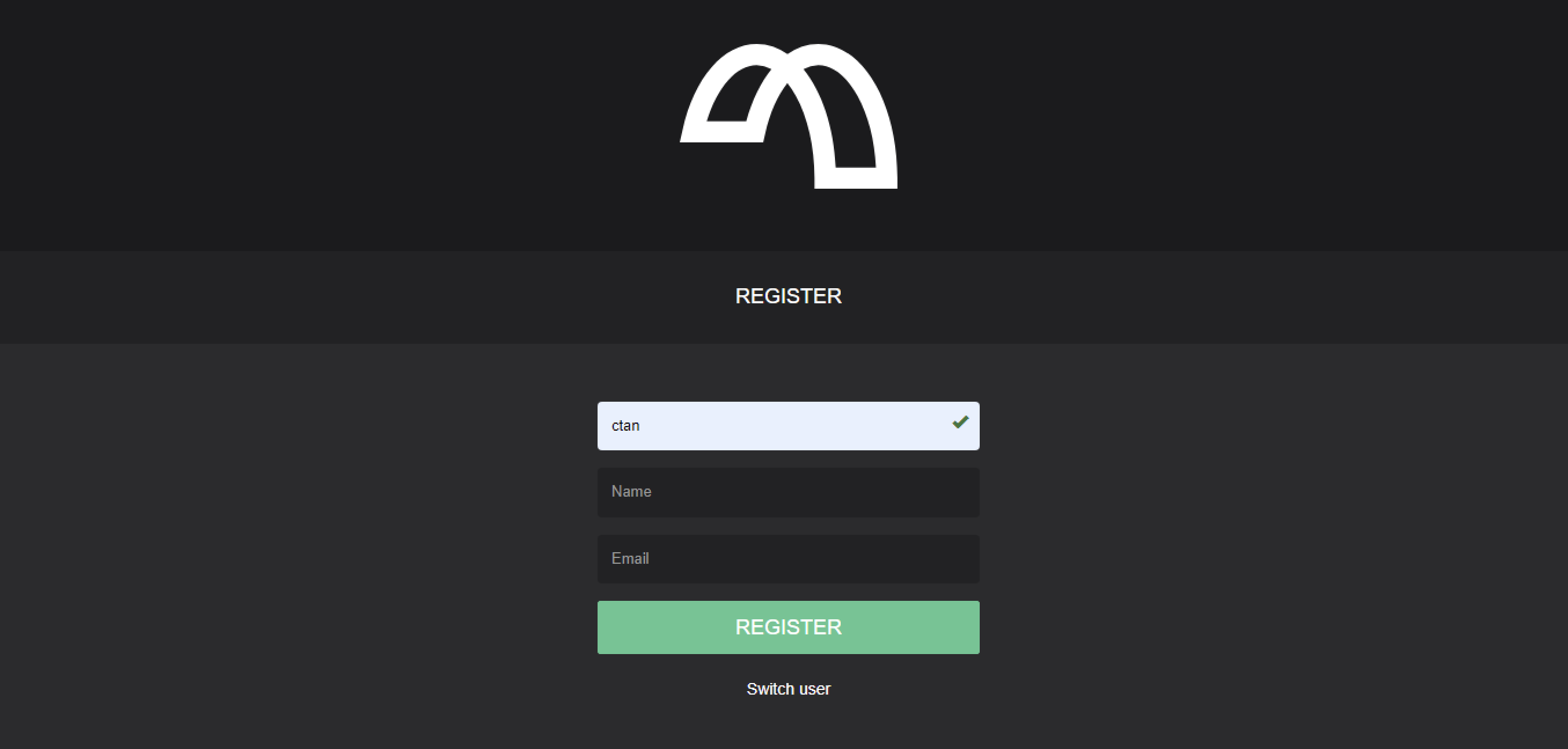
Register User
The MettleCI Workbench will prompt users for additional information it requires the first time they log in. For example, if the user account in the Information Server repository does not contain a users's email address they’ll be prompted to provide it when they first login.